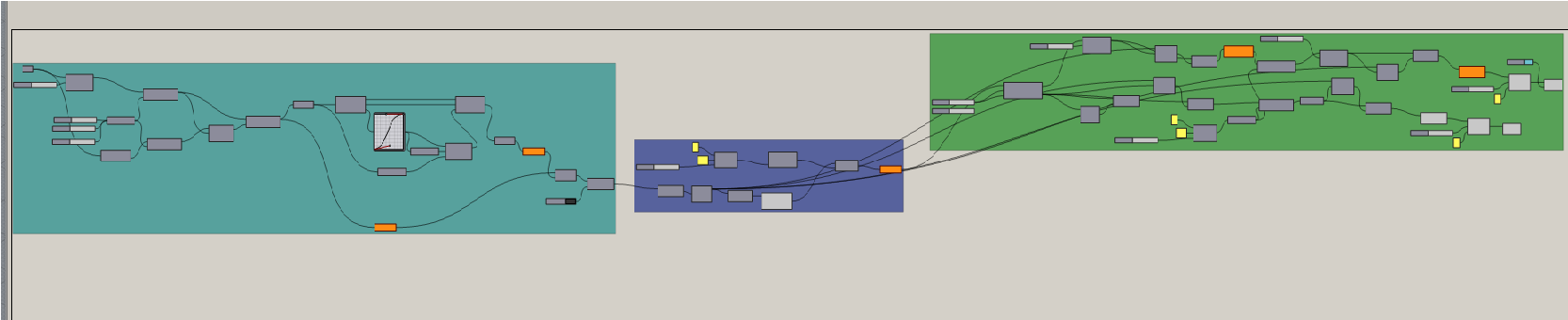
Understanding the Grasshopper Canvas
Grasshopper's node-based interface can seem daunting at first, but it's fundamentally about creating relationships between geometric and mathematical operations. Think of it as building a recipe where each component is an ingredient or step in your design process.
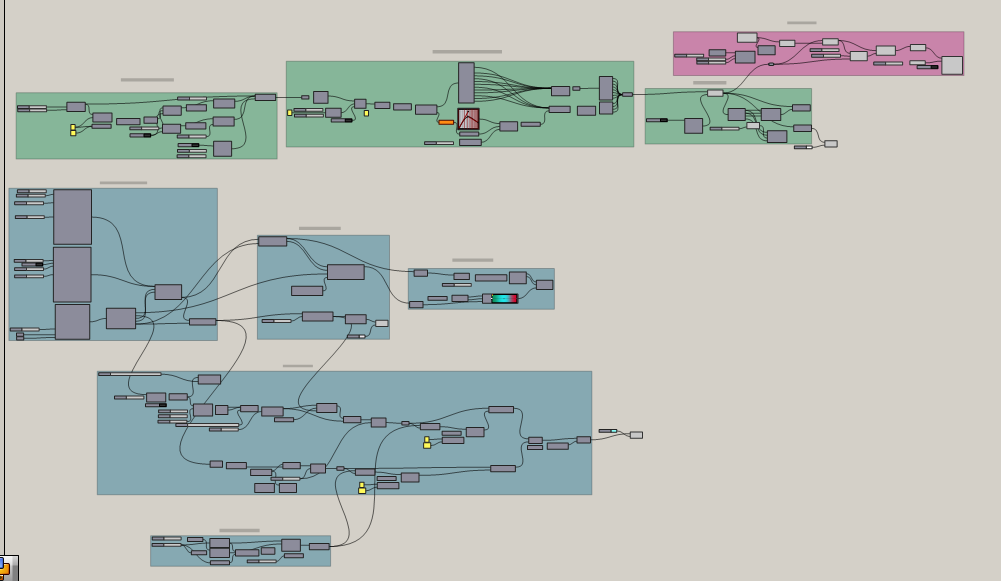
The canvas is where your algorithm lives. Each component you place represents a specific operation, from creating a simple point to running complex environmental analyses. The power comes from how you connect these components, creating data flows that can generate thousands of design variations from a few simple parameters.
Start by mastering the basic data structures: points, curves, and surfaces. Understanding how Grasshopper organizes data into lists and trees is crucial for creating efficient, scalable definitions that can handle building-scale projects.
Building Your First Parametric Facade
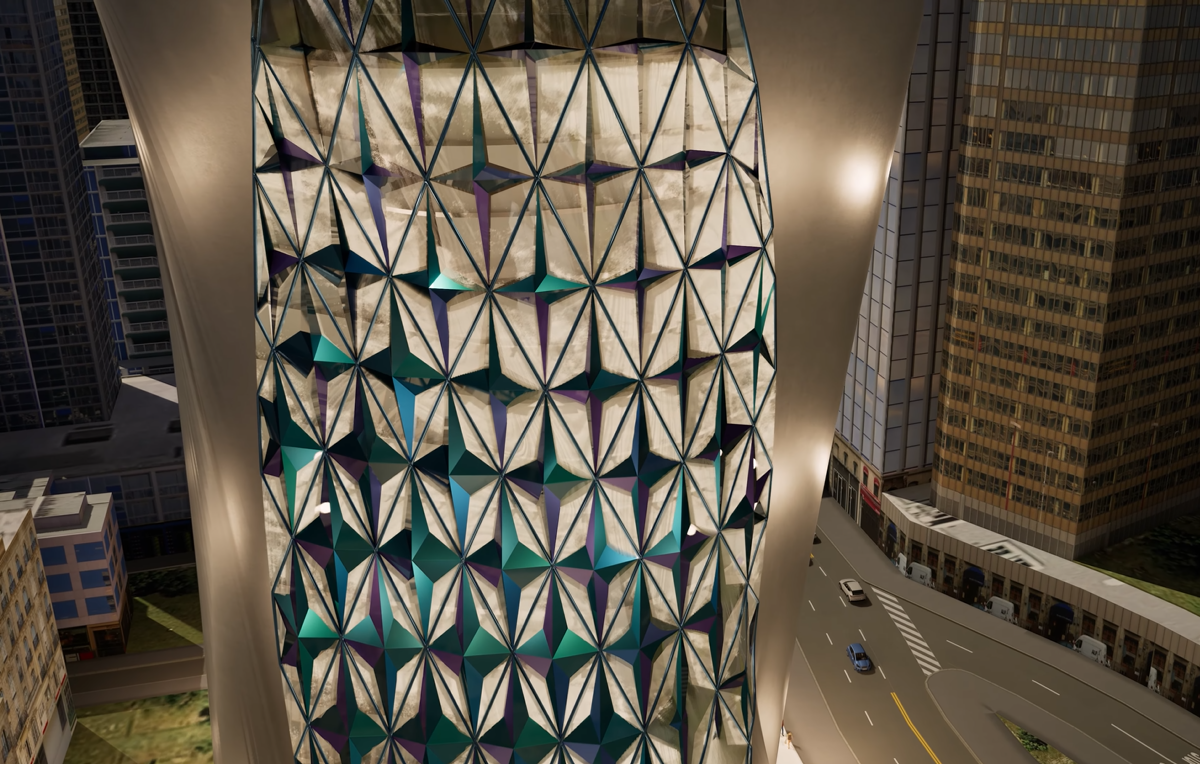
Facade design is where Grasshopper truly shines. By parametrically controlling panel sizes, orientations, and patterns, you can create responsive building skins that adapt to environmental conditions.
Begin with a simple grid-based system. Use surface subdivision components to create your base geometry, then introduce parameters for panel depth, rotation, and perforation. The key is building flexibility into your definition so clients can explore variations in real-time.
Advanced techniques include using attractor points to create gradient effects, implementing conditional logic for context-responsive patterns, and integrating solar analysis to optimize shading performance. Each facade panel can become a unique response to its specific location on the building.
Integrating Environmental Analysis
This is where parametric design becomes truly powerful for sustainable architecture. By connecting Grasshopper to Ladybug and Honeybee, you can run real environmental simulations directly within your design process.
Set up solar radiation studies to understand how sunlight hits your building throughout the year. Use this data to inform facade design, space planning, and renewable energy system placement. Thermal comfort analyses ensure your passive design strategies actually work.
The workflow is iterative: design a form, analyze its performance, adjust parameters based on results, and repeat. This feedback loop, which would take days with traditional methods, can now happen in minutes. You're not just designing buildings—you're optimizing them.
Optimizing for Performance
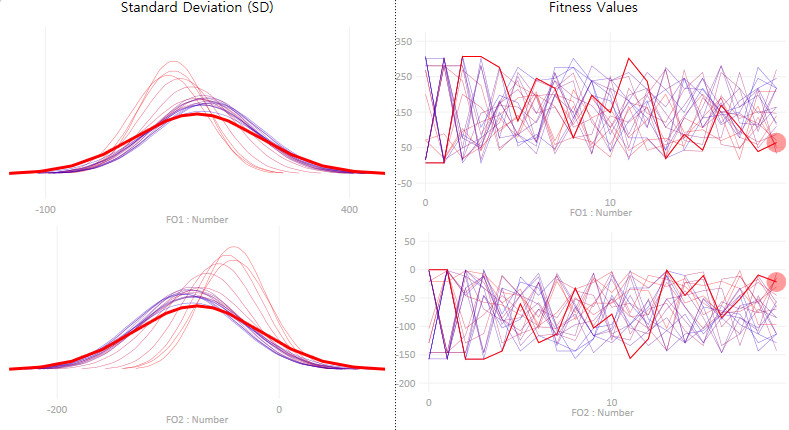
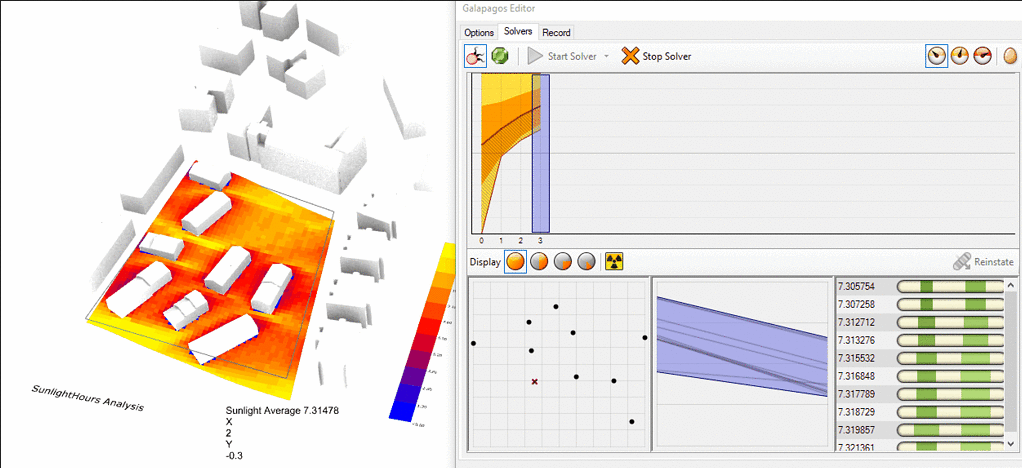
Once you've mastered analysis, the next step is automated optimization. Tools like Galapagos and Wallacei allow Grasshopper to explore thousands of design variations, finding solutions that maximize your performance criteria.
Define your objectives: minimize energy consumption, maximize daylighting, optimize views, reduce material use. Set your constraints: budget limits, zoning regulations, structural requirements. Then let the algorithm search for the best solutions.
Multi-objective optimization is particularly valuable when goals conflict—like maximizing views while minimizing heat gain. The algorithm can show you the trade-offs, helping you and your clients make informed decisions based on what matters most for each specific project.
From Concept to Construction
The final challenge is translating your parametric design into buildable documentation. This means connecting your Grasshopper definition to Revit, generating fabrication files, and coordinating with consultants.
Use plugins like Rhino.Inside.Revit to push geometry directly into your BIM model while maintaining the parametric relationships. This live link means design changes propagate automatically through all documentation—no more manual updates across multiple files.
For complex geometries, export fabrication data directly to CNC machines or 3D printers. Each facade panel, structural connection, or custom component can be uniquely numbered and documented, making the seemingly impossible not just possible, but practical to build.
Best Practices and Common Pitfalls
After years of working with Grasshopper on real projects, we've learned what separates amateur definitions from professional ones. Organization is paramount—use groups, colors, and clear naming to make your definitions readable.
Avoid common mistakes like creating unnecessarily complex data trees, failing to validate input data, or building definitions that can't scale to larger projects. Always test with extreme values to ensure your algorithm is robust.
Most importantly, remember that Grasshopper is a tool, not the design itself. The algorithm should serve your architectural vision, not dictate it. Use parametric design to explore possibilities and optimize performance, but always apply design judgment to the results.